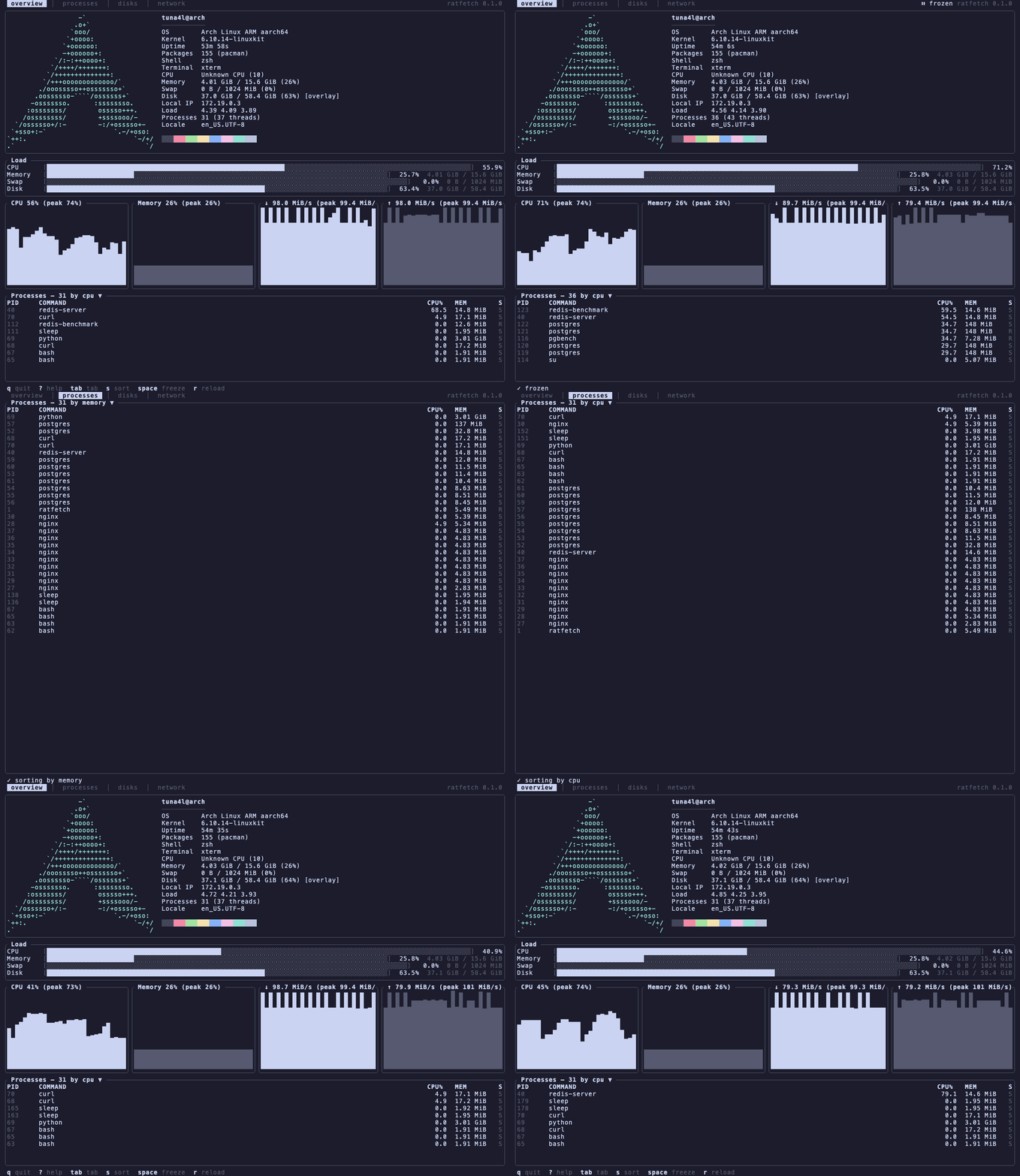
fastfetch prints your machine once and exits. That is the whole idea, and it is a good one, but I kept running it twice in a row to see whether a number had moved. So ratfetch keeps the logo and the info table, then puts them at the top of a screen that keeps updating.
What it does
Everything re-reads on an interval you pick, so the meters, the graphs, the process table, the filesystems and the network interfaces all move while you watch.
The 526 logos are vendored from fastfetch with their original colour palettes,
picked automatically from /etc/os-release or overridden by hand. There are
four tabs (overview, processes, filesystems, interfaces) and 13 themes. The
default theme is mono on purpose: the interface borrows your terminal
colours, and the logo is the only thing on screen with a palette of its own.
There is no sysinfo crate in the dependency list. /proc and /sys are read
directly, so the numbers come from where the kernel actually puts them, and
when something looks wrong I know exactly which file to go and read myself.
That also means it is Linux only, and will stay that way.
The config parser was the part I put the most care into. When you get a key wrong it tells you the file, the line, and what you probably meant, for every closed vocabulary in the schema.
Install
git clone https://github.com/tuna4ll/ratfetch
cd ratfetch
cargo install --path .
Rust 1.88 or newer.
Use
ratfetch                      # the live TUI
ratfetch --once               # one frame, like a classic fetch tool
ratfetch --logo nixos         # override the detected logo
ratfetch --theme gruvbox-dark
ratfetch --interval 250       # four samples a second
ratfetch --list-logos | fzf   # browse what is bundled
q quits, tab changes tab, s cycles the process sort column, c switches
to per core CPU meters, space freezes the screen, r reloads the config. All
of them are rebindable.
Config files merge in order, and each one can be partial:
/etc/ratfetch/config.toml → ~/.config/ratfetch/config.toml → --set key=value
ratfetch --generate-config writes a fully commented file to start from, and
--check-config validates one without starting the UI.